
Wellness · October 21, 2026
If you spend most of your workday sitting at a desk, you already know the feeling. That creeping stiffness in your lower back that starts around 10 a.m. The tension across your shoulders that builds quietly until it's hard to ignore. The nagging ache that follows you home and lingers into the evening. Back pain at work is one of the most common complaints we hear from patients here at True North Chiropractic Center in Thief River Falls, MN — and in the vast majority of cases, the root cause isn't some mysterious structural problem. It's how people are set up at their workstations, and how long they stay in one position without moving.
The good news is that understanding the connection between your workspace and your spine opens the door to real, lasting improvement. This article walks you through exactly what's happening in your body when you sit for long periods, what ergonomic adjustments make a genuine difference, and when it may be time to have a professional take a closer look at what's going on.
What Is Ergonomics, and Why Does It Matter for Back Pain?
Ergonomics is the science of designing your environment to fit your body — rather than forcing your body to adapt to an environment that wasn't built with you in mind. When your workstation is poorly set up, your spine, muscles, and joints absorb that mismatch day after day. Over time, that accumulated strain is one of the most common drivers of chronic back pain in working adults.
What's Actually Happening to Your Spine When You Sit
Your spine is designed for movement. It has a natural S-shaped curve — a gentle forward curve in the lower back (lumbar region), a backward curve in the mid-back (thoracic region), and a forward curve again in the neck (cervical region). These curves work together like a spring, distributing load and absorbing shock as you move through your day.
When you sit — especially in a slumped or forward-leaning position — that natural curvature gets compromised. The lumbar curve flattens, which shifts the load onto the discs and surrounding soft tissue in ways they were never designed to handle for hours at a time. Research indicates that prolonged static sitting increases pressure on the lumbar discs significantly compared to standing or walking. Over time, that pressure contributes to disc irritation, muscle fatigue, joint stiffness, and in some cases, referred pain that travels into the hips or legs.
Here in Thief River Falls, a large portion of the patients who come to True North Chiropractic Center work desk jobs — many of them in offices, manufacturing admin roles, or remote work setups that weren't designed with spine health in mind. Dr. Nathan Weiss and the team see this pattern consistently: the pain didn't start with one dramatic event. It built up quietly over months of small postural habits that compounded into a real problem.
Understanding this is actually empowering. It means that small, consistent changes to how you sit and move at work can have a meaningful impact on how your spine feels — starting sooner than most people expect.
Common Workstation Mistakes That Drive Back Pain
Most people don't realize their setup is working against them until the pain is already well-established. Here are the most common culprits we see when patients describe their work environments.
Monitor Positioned Too Low or Too Far Away
When your monitor is below eye level, your head naturally drops forward to look at it. For every inch your head moves forward from its neutral position, the effective load on your cervical spine increases dramatically. That forward head posture pulls on the muscles of the upper back and neck, and over time, it pulls the entire spine out of its ideal alignment. Your monitor should be positioned so that the top third of the screen is roughly at eye level, and close enough that you're not leaning forward to read it.
Chair Height and Lumbar Support
A chair that's too high or too low forces your pelvis into a tilted position, which directly affects the lumbar curve. If your chair doesn't have adjustable lumbar support — or if the support isn't positioned at the right height for your back — you're asking your muscles to do a job that your chair should be helping with. When muscles fatigue, the load transfers to passive structures like joints and discs, and that's when discomfort turns into pain.
Keyboard and Mouse Placement
If your keyboard or mouse is too far from your body, you'll be reaching forward and slightly upward for hours at a time. That sustained reach creates tension across the shoulders and upper back, and it often leads to people unconsciously holding their breath or tensing their neck. Keeping your keyboard and mouse close enough that your elbows stay near 90 degrees and your shoulders stay relaxed is a simple adjustment with a real payoff.
Sitting Without Breaks
Even a perfectly set-up workstation can contribute to back pain if you stay in one position for too long. Your discs rely on movement to stay hydrated and nourished — they don't have their own blood supply, so they absorb nutrients through the movement and pressure changes that come with activity. Long, uninterrupted periods of sitting deprive them of that mechanism.
Practical Ergonomic Tips for a Pain-Free Workday
These recommendations are grounded in established musculoskeletal and ergonomic principles. They won't solve every problem, but they're a strong foundation for protecting your spine during the workday.
Set your chair height so your hips are level with or slightly higher than your knees. Your feet should rest flat on the floor (or on a footrest if needed), and your thighs should be roughly parallel to the ground. This position supports the natural lumbar curve and reduces strain on the lower back.
Support your lower back. Whether your chair has built-in lumbar support or you use a rolled towel or small cushion, the goal is to maintain the inward curve of your lower back rather than letting it flatten against the seat back. This single adjustment reduces disc load and muscle fatigue more than most people realize.
Bring your monitor to eye level. Use a monitor riser, a stack of books, or an adjustable arm to get your screen where your eyes naturally land. If you use a laptop as your primary device, consider connecting an external keyboard and raising the laptop itself, or invest in an external monitor for your desk setup.
Use the 20-20-20-2 rule as a movement prompt. Every 20 minutes, take a brief break. Every hour, stand up, walk briefly, and reset your posture. Movement doesn't need to be a full workout — even standing, stretching your arms overhead, or walking to refill your water does the job of breaking the static load on your spine.
Be intentional about your sitting posture — not rigid. There's no single "perfect" posture you must hold all day. The research on posture is nuanced, and holding any one position too rigidly can create its own problems. What matters more is varying your position regularly and returning to a neutral, supported alignment as your default.
How Chiropractic Care Fits Into the Picture
Ergonomic improvements are an excellent first step, and for some people, they make a significant difference on their own. But if your spine has already been under strain for months or years, adjusting your chair height alone may not be enough to address what's already developed in the joints, muscles, and connective tissue.
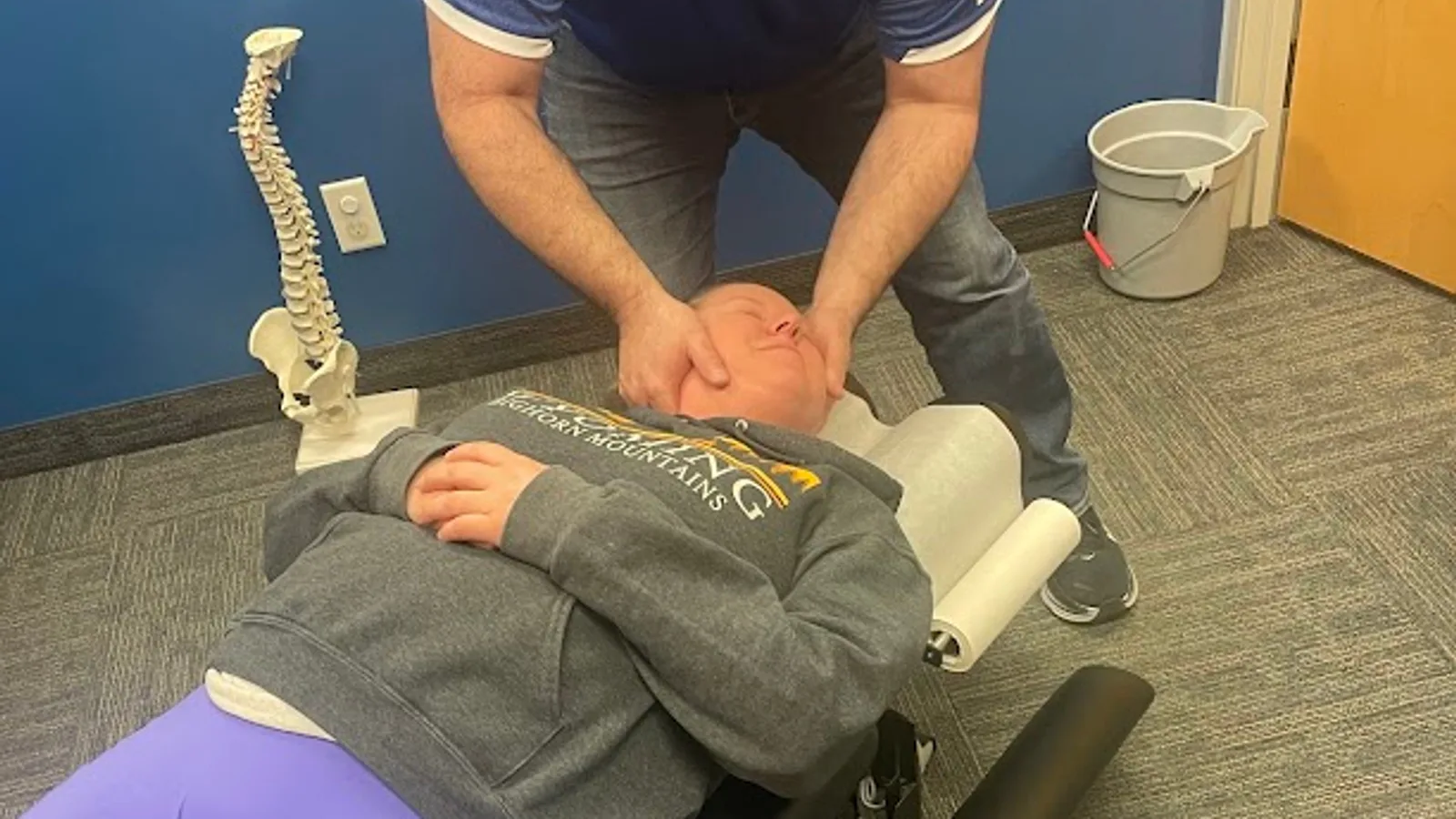
This is where chiropractic care becomes genuinely relevant. At True North Chiropractic Center, Dr. Nathan Weiss approaches work-related back pain with a thorough evaluation process designed to identify what's actually happening — not just where it hurts, but why it's happening and what structures are involved. That root-cause approach is what separates lasting improvement from temporary relief.
Chiropractic adjustments help restore proper movement and alignment to spinal joints that have become restricted or stressed from prolonged poor positioning. When joints move better, surrounding muscles tend to relax, nerve irritation can decrease, and the whole system starts to function more efficiently. Evidence from organizations like the American College of Physicians indicates that spinal manipulation is a recommended first-line treatment option for non-specific low back pain — and it's worth noting that this is a non-surgical, drug-free approach that fits naturally into a conservative care plan.
True North also offers a range of integrated therapies that go beyond the adjustment itself. Intersegmental traction, spinal decompression, and onsite rehabilitation services allow Dr. Weiss and the team to address the specific tissues involved in each patient's presentation — not just apply the same approach to everyone who walks through the door. For patients in Thief River Falls and the surrounding communities of Northwest Minnesota, this level of comprehensive, coordinated care under one roof is genuinely uncommon in the region.
Workstation Issue | What It Causes | Ergonomic Correction |
|---|---|---|
Monitor too low | Forward head posture, upper back and neck strain | Raise monitor so top third is at eye level |
Chair too low | Hips below knees, lumbar flattening, disc pressure | Adjust so hips are level with or above knees |
No lumbar support | Slumped posture, increased lower back muscle fatigue | Add lumbar cushion or adjust chair support to maintain curve |
Keyboard/mouse too far | Shoulder tension, upper back strain, forward lean | Position within arm's reach with elbows at ~90 degrees |
No movement breaks | Disc dehydration, muscle fatigue, stiffness | Stand and move briefly every 30-60 minutes |
Screen glare / poor lighting | Forward lean to read, neck and eye strain | Reduce glare with blinds or screen filter; adjust brightness |
When to See a Chiropractor for Work-Related Back Pain
Not every bout of back pain at work requires professional intervention. Mild stiffness that resolves after movement, a stretch, or a good night's sleep is often your body's way of telling you to shift positions more often. But there are patterns that signal something more is going on — and waiting it out tends to make those situations worse, not better.
Consider scheduling an evaluation at True North Chiropractic Center if you notice that your back pain has persisted for more than two or three weeks despite making ergonomic changes. Pain that was once occasional but has become daily, or discomfort that is gradually intensifying rather than stabilizing, warrants a professional look. If you're noticing pain that travels from your lower back into your hip, buttock, or down your leg, that's a sign of possible nerve involvement that should be evaluated sooner rather than later.
There are also certain red flag symptoms that call for prompt medical attention rather than chiropractic care: unexplained weight loss alongside back pain, loss of bladder or bowel control, significant pain after a fall or direct trauma, or pain that is severe at rest and doesn't change with position. These require immediate evaluation by a medical provider. Dr. Nathan Weiss and the team at True North are trained to recognize these situations and will refer patients appropriately when needed — patient safety always comes first.
Myths vs. Facts About Sitting and Back Pain
Myth: "Good posture" means sitting up perfectly straight at all times.
Fact: Holding a rigidly upright posture all day can actually create its own muscular tension and fatigue. What matters more is maintaining a neutral spinal position with appropriate support, and varying that position regularly throughout the day. The goal is a relaxed, supported alignment — not a military-style hold that exhausts your back muscles by midday.
Myth: Back pain at a desk job is just part of the deal — you have to live with it.
Fact: This is one of the most harmful beliefs we hear from patients at True North Chiropractic Center. Work-related back pain is common, but it is not inevitable or untreatable. With the right ergonomic environment and — when needed — targeted chiropractic care, most people see meaningful improvement. You should not simply accept daily pain as the price of having an office job.
Myth: A standing desk solves back pain.
Fact: Standing desks can be a valuable tool, but standing all day creates its own strain, particularly in the lower back, hips, and knees. The real goal is movement variety — alternating between sitting and standing, taking short walks, and changing positions throughout the day. A standing desk used correctly is a helpful addition to an ergonomic strategy, not a replacement for it.
Myth: If back pain isn't severe, it doesn't need to be addressed.
Fact: Mild back pain that is ignored and left to persist often becomes moderate or severe back pain over time. Joints that are repeatedly loaded in suboptimal positions develop restriction, surrounding muscles compensate and fatigue, and what began as occasional stiffness can evolve into a chronic, limiting condition. Early, conservative intervention is almost always more effective than waiting until the pain becomes impossible to ignore.
Myth: Chiropractic adjustments are only for people who have "thrown out" their back.
Fact: Chiropractic care is appropriate across a wide spectrum of back pain presentations — from mild, work-related stiffness to more complex disc and joint issues. Many patients visit True North Chiropractic Center not because their pain is severe, but because they want to address it before it becomes severe. Preventative and maintenance care is a legitimate and evidence-supported use of chiropractic services.
Final Thoughts from True North Chiropractic Center
Back pain at work is something we take seriously here at True North Chiropractic Center — not because it's always a major crisis, but because we know how much it quietly takes from people. It affects your concentration, your energy, your mood, and over time, your ability to show up fully for the people and activities that matter most to you.
The patients we serve in Thief River Falls and throughout Northwest Minnesota are active, capable people who don't have time to be slowed down by pain that should have been addressed months ago. Dr. Nathan Weiss and the entire True North team are here to help you understand what's driving your discomfort, make practical changes that support your spine, and — when conservative care is needed — provide the kind of comprehensive, precise treatment that actually gets to the root of the problem.
If your back has been talking to you lately, it may be time to listen. We'd be glad to help you figure out what it's saying — and what to do about it. Request an appointment at True North Chiropractic Center in Thief River Falls, and let's find your path forward together.
Frequently Asked Questions
How long does it take for ergonomic changes to reduce back pain?
It varies from person to person, but many people notice some improvement in discomfort within one to two weeks of consistent ergonomic adjustments. If pain persists beyond a few weeks despite changes to your workstation habits, it's worth having a professional evaluation to determine whether something structural needs to be addressed.
Is back pain from sitting considered a serious condition?
Most work-related back pain falls into the category of non-specific mechanical pain, which is very treatable with conservative care. However, pain that involves nerve symptoms — like tingling, numbness, or pain that travels down the leg — or pain that doesn't improve with rest or position changes should be evaluated promptly. Severity and duration both matter.
Can chiropractic care help with back pain caused by a desk job?
Yes. Chiropractic care is widely recognized as an effective conservative approach for mechanical back pain, including the kind that develops from prolonged sitting and poor workstation ergonomics. The American College of Physicians includes spinal manipulation among its recommended first-line treatment options for non-specific low back pain. Dr. Nathan Weiss at True North evaluates each patient individually to determine the best course of care.
How often should I take breaks from sitting at my desk?
General guidance from musculoskeletal and occupational health experts suggests standing or moving briefly at least every 30 to 60 minutes. Even a one-to-two-minute break to stand, stretch, or walk to another area of your office can help reduce the static load on your lumbar spine and support disc health over the course of a workday.
What if I work from home and don't have a proper office setup?
Home setups are often the most problematic because they weren't designed with ergonomics in mind — kitchen tables, couches, and low chairs are common culprits. Focus first on chair height, lumbar support, and monitor position. Even inexpensive solutions like a lumbar cushion and a monitor riser can make a meaningful difference. If pain persists, a chiropractic evaluation can help identify what your body specifically needs.
Does True North Chiropractic Center treat patients who don't have severe back pain?
Absolutely. True North sees patients across the full spectrum — from those dealing with significant, chronic pain to those managing mild but persistent discomfort they want to address before it worsens. Dr. Nathan Weiss and the team provide thorough evaluations and build individualized care plans regardless of where someone falls on that spectrum.
TL;DR — Key Takeaways
Prolonged sitting in a poorly set-up workstation is one of the most common drivers of back pain in working adults — and it's largely preventable with the right adjustments.
Key ergonomic corrections include raising your monitor to eye level, supporting your lumbar curve, positioning your keyboard and mouse within comfortable reach, and taking regular movement breaks.
Back pain at work is common, but it is not something you simply have to accept — early, conservative intervention is more effective than waiting until the pain becomes severe.
Chiropractic care, including spinal adjustments and complementary therapies, is a well-supported non-surgical, drug-free option for mechanical back pain — and True North Chiropractic Center in Thief River Falls offers a comprehensive range of those services under one roof.
If your back pain has lasted more than two to three weeks, is worsening, or involves symptoms that travel into your hip or leg, schedule an evaluation with Dr. Nathan Weiss at True North Chiropractic Center